
SEO checklist for businesses: grow local visibility
You spend hours on your website, post on social media, and still watch competitors rank above you. If that sounds familiar, you are not alone. Many Canadian local service businesses put real effort into SEO but skip the foundational steps that actually determine whether Google can find them at all. This SEO checklist for businesses cuts through the noise by prioritising the actions that move the needle first, so you stop guessing and start attracting the clients your business deserves.
Table of Contents
- Ensure crawlability and indexing basics
- Optimise for mobile-first indexing and page experience
- Choose and optimise Google Business Profile categories
- Build a compliant and effective review generation process
- Prioritise your SEO checklist and measure results effectively
- Why prioritising crawlability and profile relevance beats chasing quick content wins
- Accelerate your local SEO success with expert AI-driven services
- Frequently asked questions
Key Takeaways
| Point | Details |
|---|---|
| Fix crawlability first | Ensure Googlebot can access and index all your pages before focusing on content creation. |
| Mobile optimisation matters | Meet Google’s Core Web Vitals and mobile usability standards to avoid ranking penalties. |
| Use precise GBP categories | Choose a specific primary category and only a few relevant secondary categories that truly represent your services. |
| Avoid incentives for reviews | Request honest customer reviews without offering discounts or gifts to comply with Google policies. |
| Prioritize tasks by impact | Follow a sequenced SEO checklist starting with technical foundations for the best ROI and quicker gains. |
Ensure crawlability and indexing basics
Before any content, keywords, or backlinks can help you, Google has to be able to find your pages. This is where most businesses quietly fail without ever knowing it.

Google Search Essentials state that if Googlebot cannot crawl your pages or they return error codes, your content will not be indexed and your SEO efforts fail entirely. Think of it this way: writing brilliant service pages is pointless if Google cannot read them.
What to check right now:
- Every public page should return an HTTP 200 status code, not a 404 (not found) or 500 (server error)
- Your "robots.txt` file must not accidentally block Googlebot from key pages
- CSS, JavaScript, and images must load freely so Google can render your pages properly
- Never place important content behind login walls or paywalls
- Submit an XML sitemap in Google Search Console to guide Googlebot to all your important pages
Step-by-step crawl audit:
- Open Google Search Console and navigate to the URL Inspection tool
- Enter your homepage URL and request indexing if it is not already indexed
- Check the Coverage report for any “Excluded” or “Error” pages
- Fix all 404 errors by either restoring the page or adding a 301 redirect to the correct URL
- Re-submit corrected URLs for re-indexing
When choosing the right business website, ensure your platform generates clean URLs and does not create duplicate pages automatically. Some website builders do this by default, silently splitting your ranking signals.
| Issue | Impact on SEO | Fix |
|---|---|---|
| 404 error pages | Pages not indexed | Restore or redirect |
| Blocked CSS/JS | Poor rendering by Google | Update robots.txt |
| Login-gated content | Not crawlable | Move content public |
| Missing sitemap | Slow discovery | Submit in Search Console |
Pro Tip: Use the “Inspect URL” feature in Google Search Console at least once a month on your top 10 most important pages. Catching a crawl issue early prevents weeks of lost rankings.
Now that you understand the importance of a crawlable website, let’s move to ensuring your mobile experience meets Google’s mobile-first indexing requirements.
Optimise for mobile-first indexing and page experience
Google indexes the mobile version of your site first. If your mobile experience is slow, broken, or missing content, your rankings suffer regardless of how good your desktop site looks.
Mobile Core Web Vitals thresholds such as an LCP (Largest Contentful Paint) under 2.5 seconds on mobile are required to prevent search ranking suppression, even when your content and backlinks are strong. That is a hard threshold worth taking seriously.
Core Web Vitals you need to monitor:
| Metric | What it measures | Good threshold |
|---|---|---|
| LCP (Largest Contentful Paint) | Page load speed | Under 2.5 seconds |
| INP (Interaction to Next Paint) | Responsiveness | Under 200 milliseconds |
| CLS (Cumulative Layout Shift) | Visual stability | Under 0.1 |
“Mobile-first indexing means Google predominantly uses the mobile version of the content for indexing and ranking. If your mobile site has less content than your desktop site, that content may not be indexed.” — Google Search Central
Mobile SEO checklist:
- Confirm your site uses responsive design (it adjusts automatically to screen size)
- Check that all text, images, and calls to action on desktop also appear on mobile
- Run your site through Google’s PageSpeed Insights tool and target a score above 70
- Fix any “Mobile Usability” errors flagged in Google Search Console
- Ensure structured data (schema markup) loads correctly on mobile pages
For mobile optimisation tips that apply specifically to Canadian service businesses, compressing images before uploading is one of the fastest wins available. A 2 MB photo of your team can easily be reduced to 200 KB without visible quality loss, and that single change can shave a full second off your load time.
Pro Tip: Test your site on an actual Android device on a 4G connection, not just your desktop browser’s mobile preview. Real-world performance often differs from simulated results.
With mobile optimisation covered, let’s explore how to leverage and optimise your Google Business Profile for maximal local relevance and trust.
Choose and optimise Google Business Profile categories
Your Google Business Profile (GBP) is often the first thing a potential client sees when they search for your service in their city. Getting your categories right is one of the most direct local SEO tips for businesses because it signals exactly what you do and who you serve.
The primary GBP category is the most important relevance signal. Secondary categories should be limited and closely aligned with actual services to avoid diluting your profile’s relevance.
Category selection best practices:
- Choose the most specific primary category available. “Plumber” is better than “Contractor,” and “Emergency Plumber” is better still if that fits
- Add 2 to 3 secondary categories only, covering your next most common services
- Avoid adding categories for services you rarely or never perform
- Align your GBP categories with the service pages on your website for consistent signals
- Review your categories every 3 to 6 months because Google occasionally adds new options
| Category approach | Effect on local rankings |
|---|---|
| Specific primary category | High relevance signal |
| 2 to 3 aligned secondary | Supports additional services |
| Vague primary category | Weak local match |
| Many irrelevant categories | Dilutes profile focus |
For complete guidance on Google Business Profile optimisation, including photos, service descriptions, and Q&A, treat your GBP as a second homepage. It often converts better than your website for local intent searches.
Pro Tip: Search your top competitor’s business name on Google Maps and note their primary category. If they outrank you for your target service, their category choice is likely part of why. Use that as a reference, not a copy.
After ensuring both your site and profile categories are optimised, we now turn to managing online reviews responsibly for SEO and reputation benefits.
Build a compliant and effective review generation process
Reviews are fuel for local rankings. But how you collect them matters as much as the reviews themselves.
Google prohibits incentivising reviews with discounts, freebies, or contests. Review requests must be neutral and voluntary to avoid penalties or removal. A single well-meaning “leave us a review and get 10% off your next service” message can put your entire review profile at risk.
A compliant review request workflow:
- Ask for feedback immediately after completing a service, while satisfaction is high
- Use neutral language: “If you have a moment, we would appreciate your honest feedback on Google”
- Provide a direct link or QR code that opens your GBP review form in one tap
- Train every staff member who interacts with clients to mention reviews naturally and without pressure
- Respond to every review, positive or negative, within 48 hours
- Never write reviews yourself, ask friends to write them fictitiously, or use review-gating tools that hide negative feedback
For more on managing Google Business Profile reviews effectively, the reply you write to a negative review is often more persuasive to potential clients than the negative review itself. Own the mistake, offer a resolution, and move on professionally.
Pro Tip: Create a laminated card with a QR code linking directly to your review form. Leave it with clients at the end of a job. This one piece of cardstock, 20 minutes to set up, consistently outperforms email follow-ups for review conversion rates.
Having set up your foundation, mobile experience, profile, and reviews properly, it is time to review how to prioritise and measure your SEO checklist actions for the best return.
Prioritise your SEO checklist and measure results effectively
An SEO audit checklist is only useful if you work through it in the right order. Skipping ahead to content creation before fixing technical issues is like painting a wall that has not been plastered.
Small business SEO checklists should be prioritised starting with crawl and indexing fixes, then GBP setup, before moving to content and link building. Follow a sequenced sprint plan over several weeks for the best results.
Recommended priority order:
- Fix all crawl and indexing errors (Week 1)
- Ensure mobile-first compliance and Core Web Vitals pass thresholds (Week 1 to 2)
- Optimise your Google Business Profile categories and complete all profile fields (Week 2)
- Set up a review generation process and collect your first new reviews (Week 2 to 3)
- Create or update service pages with location-specific content (Week 3 to 4)
- Build local citations and directory listings with consistent NAP (name, address, phone) data (Week 4 onward)
Tracking your progress:
- Use Google Search Console to monitor impressions, clicks, and average position weekly
- Use Google Analytics to track organic sessions and contact form completions monthly
- Set up a simple spreadsheet to log completed checklist items and re-audit dates
- Understand that prioritising SEO tasks by impact prevents wasted effort and shows compounding results over time
Pro Tip: Plan for 15 to 25 hours of work over your first 2 to 4 weeks. After that, maintenance drops to roughly 2 to 3 hours per week. The front-loaded effort is heavy, but the results compound for months and years afterward.
With your SEO checklist prioritised and a system in place, let’s share some practical insights on the most common misconceptions we see Canadian service businesses make.
Why prioritising crawlability and profile relevance beats chasing quick content wins
Here is the honest truth we see repeatedly: most local service businesses that struggle with SEO are not failing because of bad content. They are failing because Google cannot properly access or make sense of their site in the first place.
Fixing crawl and indexing issues before content expansion yields better ROI because non-indexable pages nullify content efforts entirely. We have seen businesses publish 30 blog posts in three months, gain zero traffic, and discover later that their entire blog subdirectory was accidentally blocked in their robots.txt file.
The instinct to create more content is understandable. Content feels productive. But in our experience, the businesses that climb fastest in local search are the ones that do the unglamorous work first: clean up their technical foundation, get their GBP category precisely right, and build a steady, compliant flow of genuine reviews.
Category and review alignment is probably the most underused local relevance signal available to any business. When your primary GBP category, your service pages, and the keywords in your reviews all point to the same core service, Google’s confidence in your relevance for that query goes up considerably. That alignment takes discipline, not budget.
Patience matters more than pace. Six months of consistent, foundational work outperforms six months of scattered content sprints every single time. Treat your SEO checklist like a long-term asset, not a one-time project.
Accelerate your local SEO success with expert AI-driven services
Following this business SEO strategy checklist will put you well ahead of most local competitors. But if you would rather have a team handle the technical work, profile management, and citation building for you, that is exactly what we do at Locally Visible.
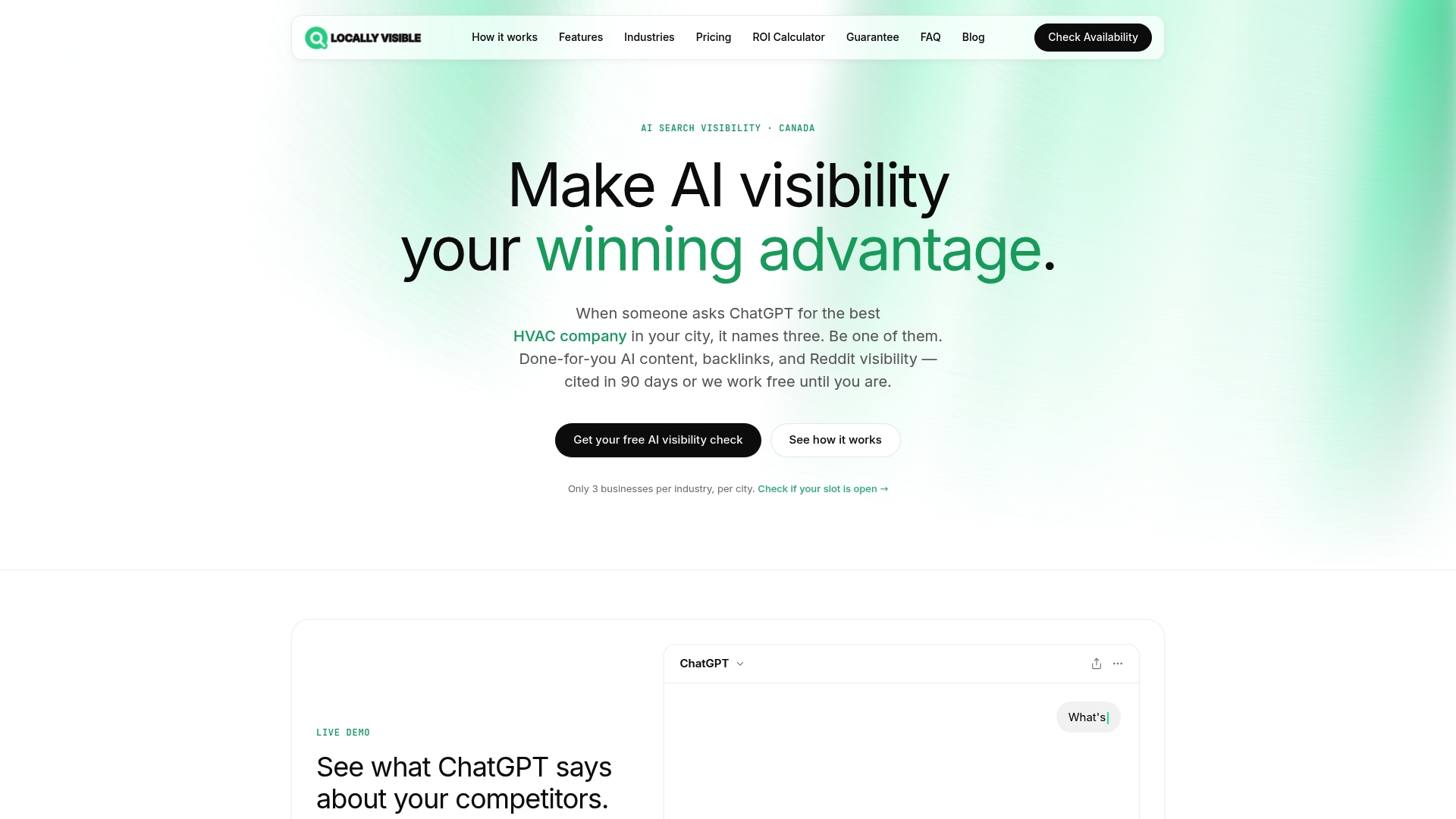
We offer done-for-you AI SEO services by industry, covering HVAC, plumbing, dental, legal, and more. Our ChatGPT citation guarantee means your business gets cited by AI search tools within 90 days, or we keep working at no charge until it happens. From crawl audits to review generation systems, we handle the full checklist so you can focus on serving your clients. Explore our industry-specific AI SEO solutions to see the plan built for your trade.
Frequently asked questions
What is the first step in an SEO checklist for local service businesses?
Ensure Google can crawl and index your website pages by allowing Googlebot full access and fixing any error pages. As Google Search Essentials confirm, pages that return error codes will not be indexed, making all other SEO efforts pointless.
How important is mobile optimisation for SEO in 2026?
Mobile optimisation is critical because Google uses mobile-first indexing. Core Web Vitals thresholds like an LCP under 2.5 seconds on mobile are required to avoid ranking suppression, even when your content and backlinks are strong.
Can I offer incentives to customers for Google reviews?
No. Google prohibits incentivising reviews with discounts, freebies, or contests, and review requests must be neutral and voluntary to avoid penalties or removal of your reviews.
How many categories should I choose for my Google Business Profile?
Select one specific primary category and 2 to 3 closely aligned secondary categories. Current best practices confirm that irrelevant categories dilute your profile’s relevance and weaken your local rankings.
How long does it typically take to see SEO results for small businesses?
Plan for at least six months before meaningful results become visible, particularly when building from scratch. SEO results for small businesses typically take about six months to become noticeable, with consistent prioritised effort throughout.
Recommended
- Boost your local service visibility across Canada — Locally Visible
- Why SEO matters for service businesses: boost local visibility — Locally Visible
- Why SEO matters for service businesses: boost local visibility — Locally Visible
- Boost local business visibility with mobile optimization — Locally Visible